| ID Type | Description |
| North American Driver License* | Select North American Driver License to validate an American or Canadian driver's license or ID card (if a barcode exists on the back). |
| Passport Booklet or Card | Select passport if you want to validate a passport booklet or passport card. |
| Other | Select Other if you want to validate an ID card (if no barcode exists on the back), travel document, or other international document. |
* Supported barcode formats for North American Driver's License
| Country | Overview |
| United States | We recognize barcodes from all 50 states, along with districts and outlying territories. |
| Canada | We recognize barcodes from all 10 provinces and the three territories. |
| Mexico | Barcode support is limited. Many Mexican jurisdictions do not use a 2D (PDF417 format) barcode. |
Keep these helpful tips in mind while capturing the image(s) of your Government-Issued ID:
Proper lighting creates faster results. Make sure the ID document is not too dark or too light.
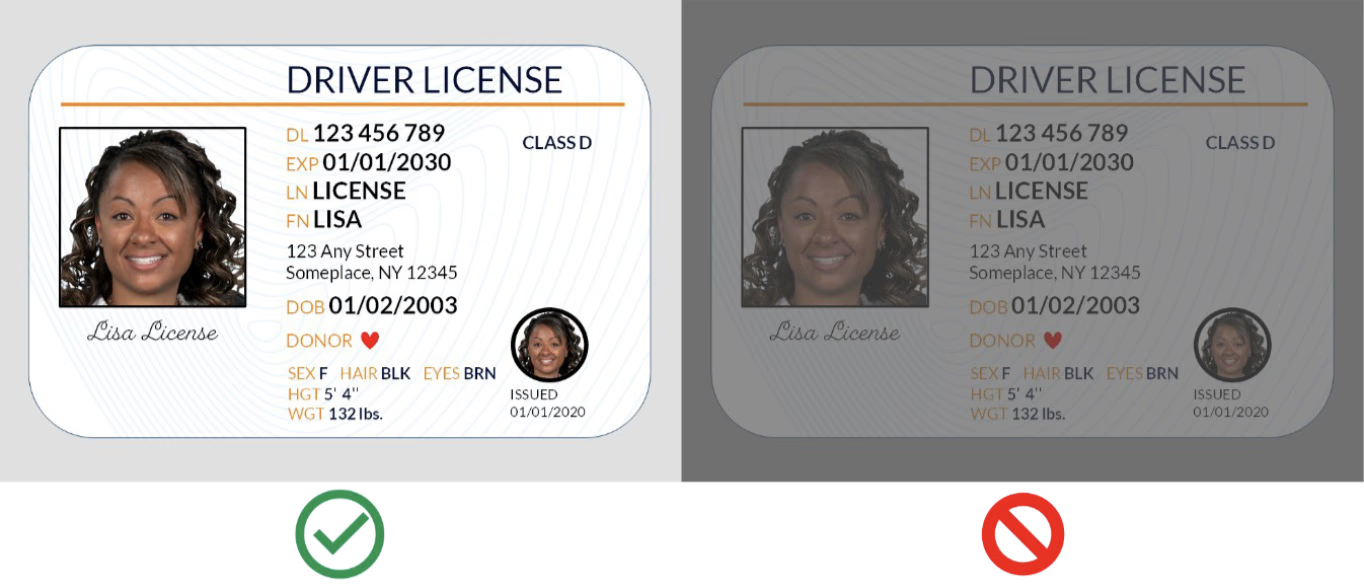
Turn off the device's flash. A flash can create glares and reflections.
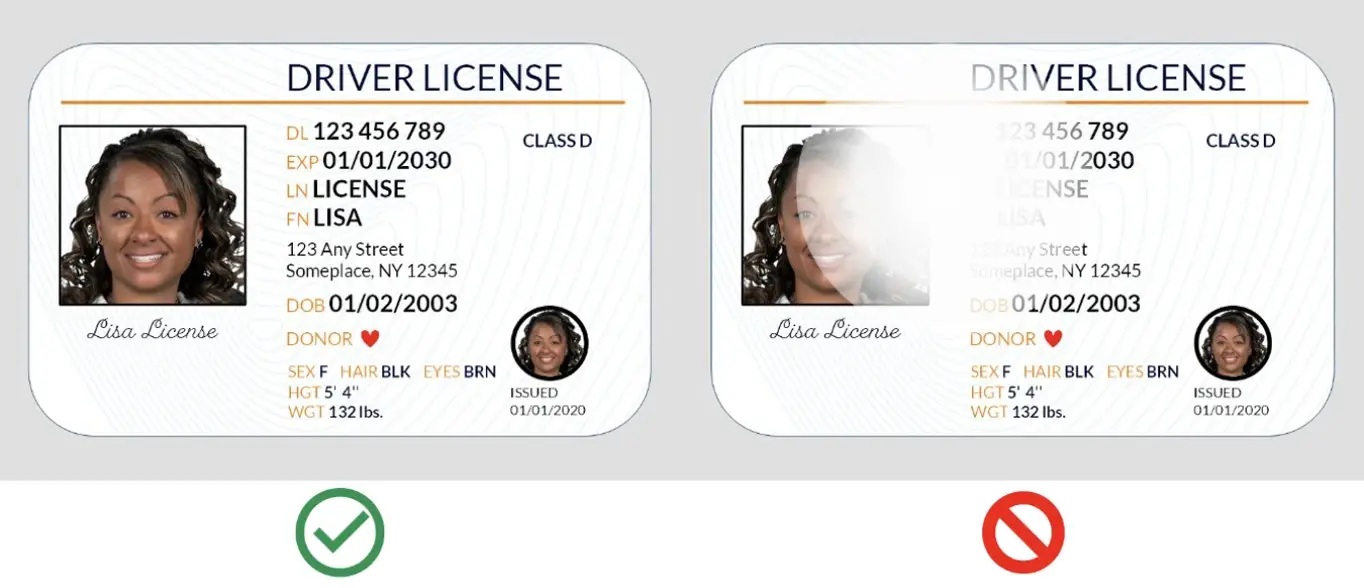
To ensure the image is clear without blurriness or distortion, hold your device steady, stop moving, and keep the device level with the subject. Be sure not to hold the ID document in your hand. Set it down on a flat surface to capture the image.
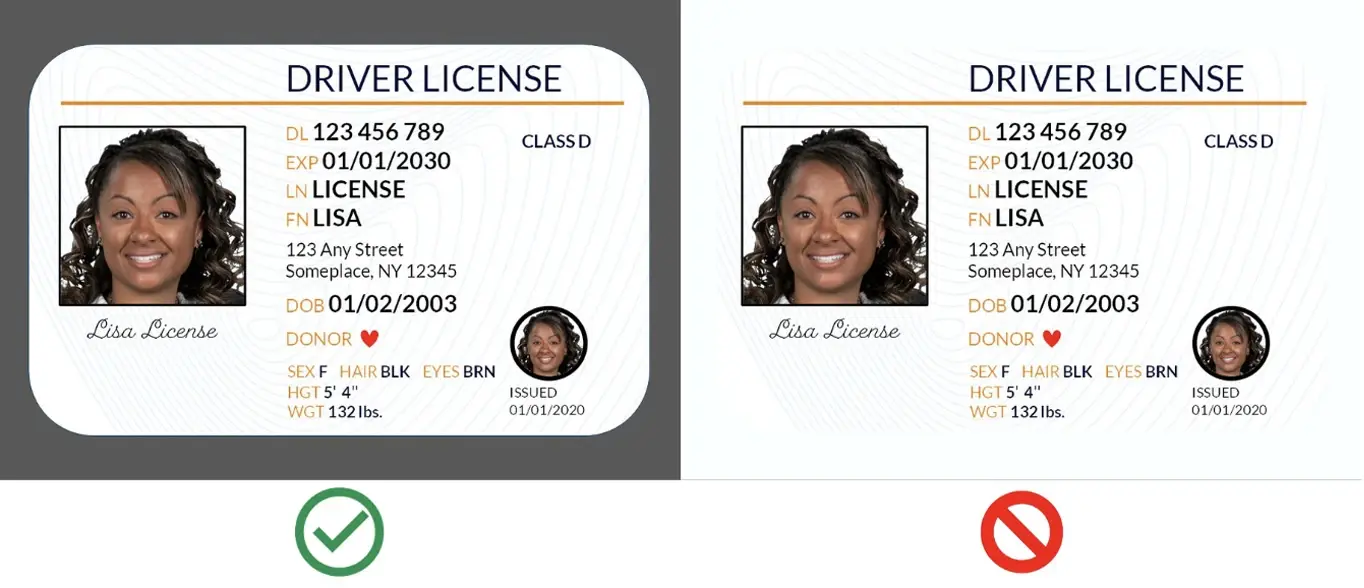
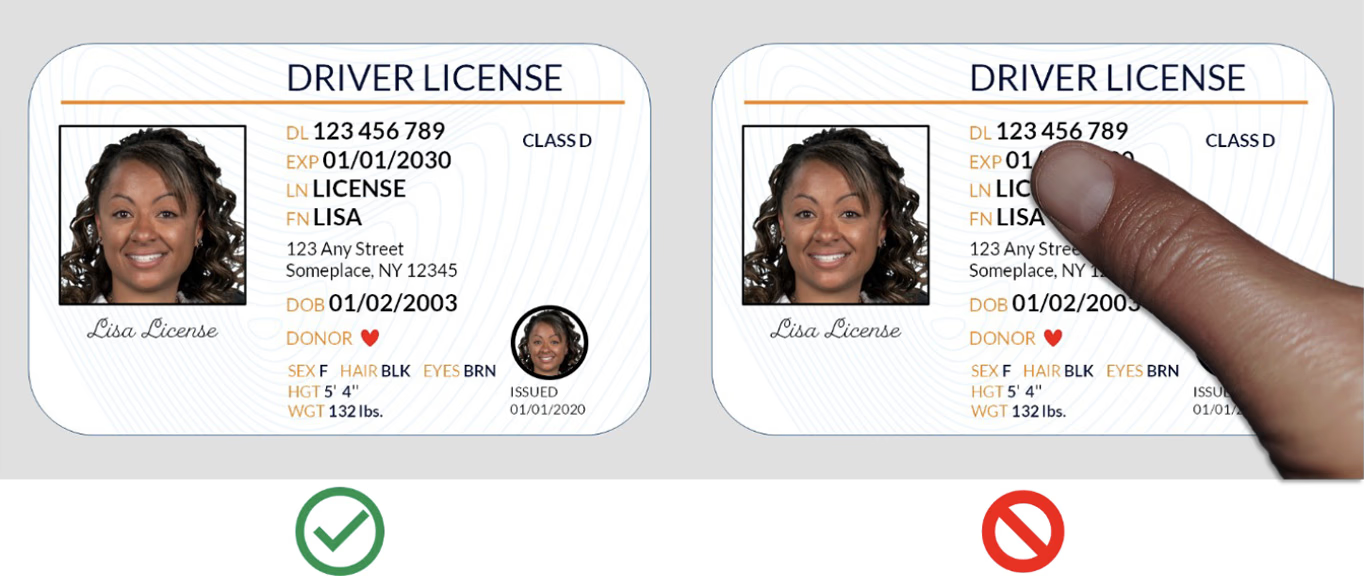
Remove hands or other objects from around the ID document.
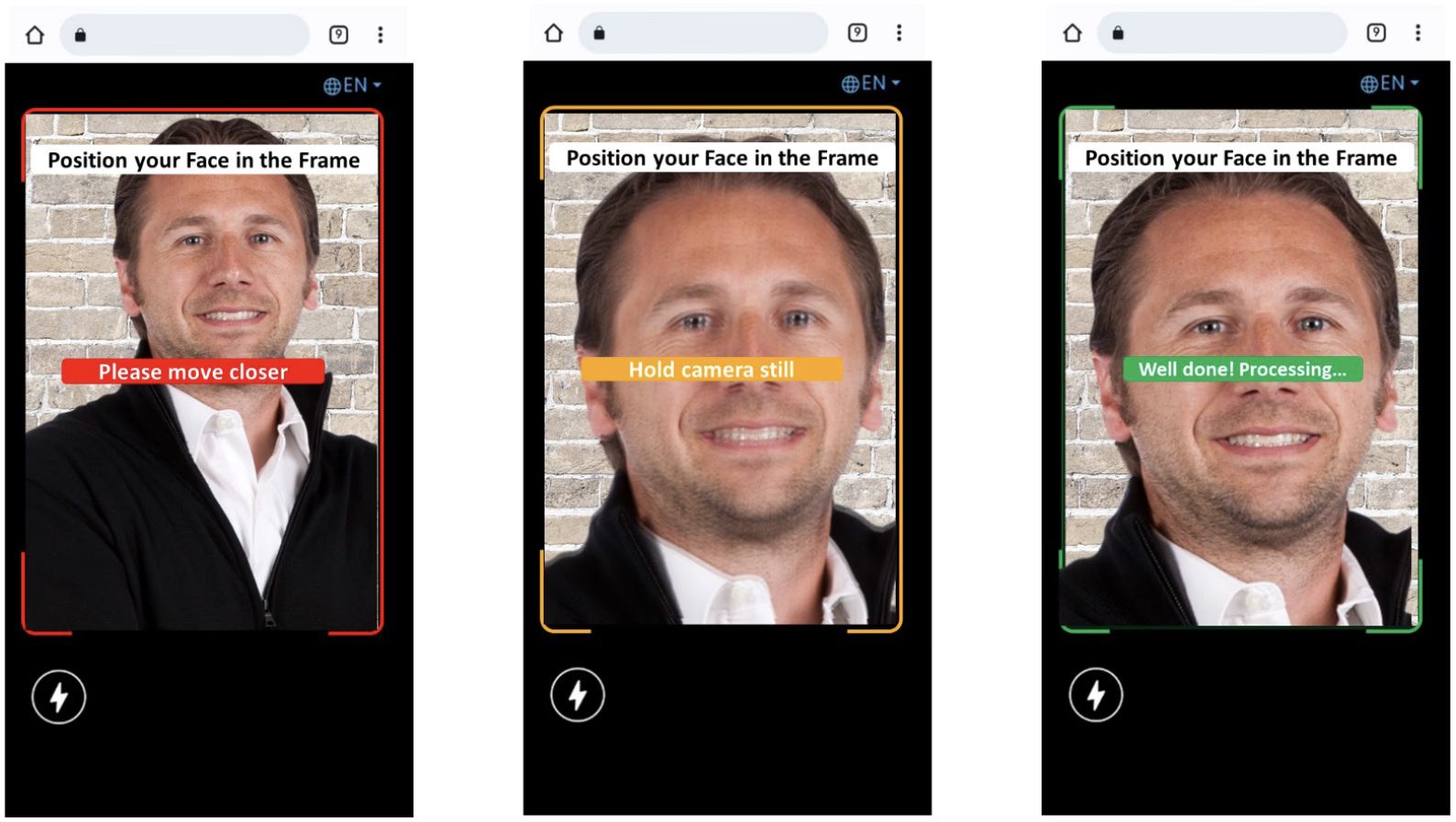
Keep the following tips in mind before you begin capturing your selfie image.
Be sure to include a complete face in the selfie.
Remove sunglasses, hats, or other articles that obstruct the face. Find good bright lighting. We suggest going outside in natural daylight.
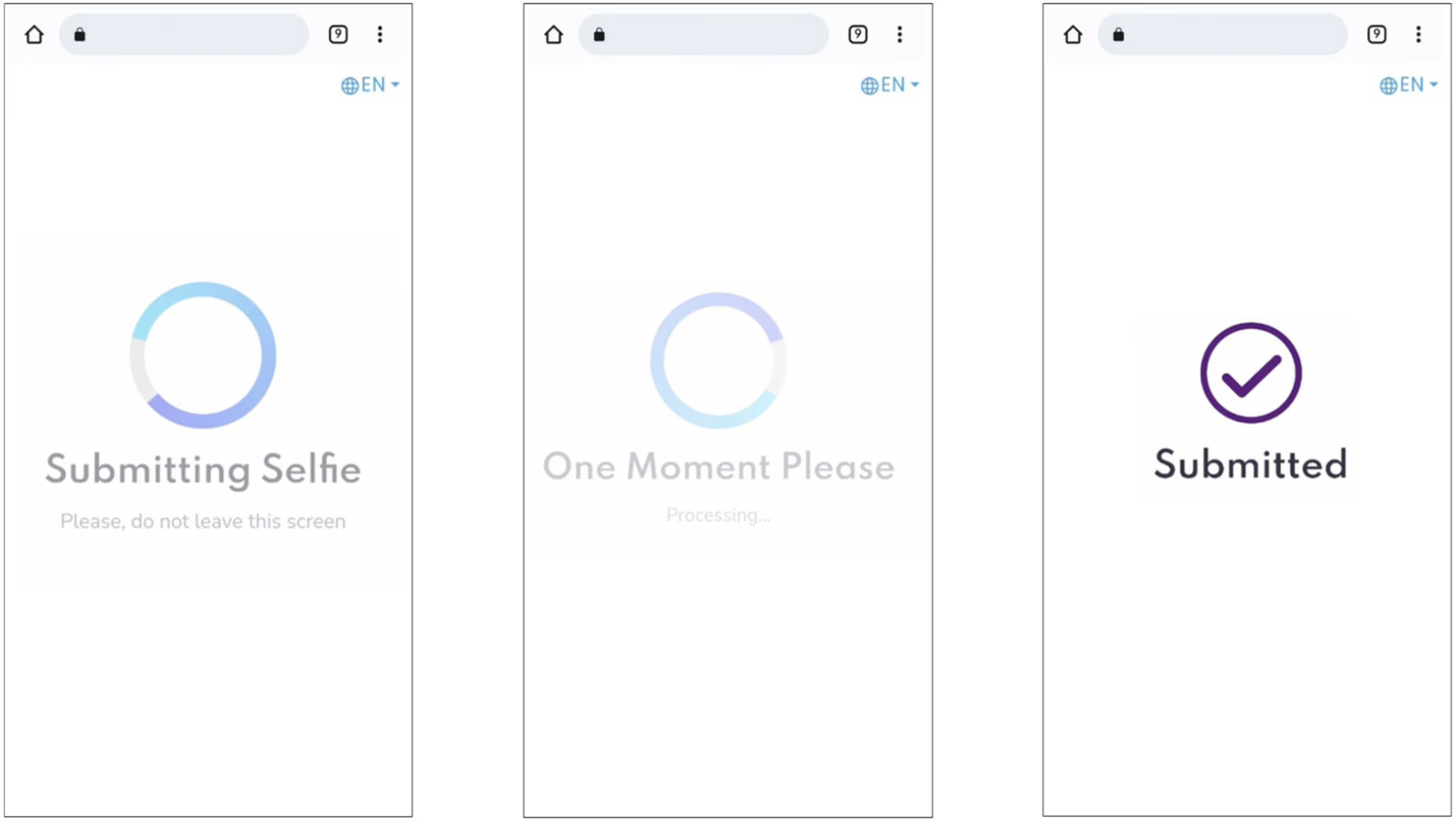
Once the image has been submitted, you can return to the previous page and wait for your results. Results can take up to 2 or 3 minutes in some rare cases. Please be patient.
703.569.0504 Phone
email: info@privo.com
Stay on top of the digital kids industry- looking at online privacy, data security & latest trends



Terms of use | PRIVACY POLICY | Kids' Privacy Notice | Cookie Policy
Legal Stuff
© 2026 PRIVO®. All Rights Reserved
Manage Cookies


 Blog
Blog


 Facebook
 Twitter
 Linkedin
 Blog
Blog Newsletter


 Twitter